
Orders, Shipping & Payouts
Selling is the easy half. This guide covers the daily loop: see an order, pack it, ship it, mark it done, and know where your money is.
#Before you start
- An approved account with at least one live product.
- Packing materials and a scale you trust.
- A payout account connection, started in the provider screen only.
#Steps
- Open Orders in your vendor dashboard. You see only your own orders.
- Check the handling time you promised and ship within it.
- Pack the order and record tracking where the dashboard asks for it.
- Mark the order fulfilled, as the configured dashboard allows.
- Make sure each product has correct weight, dimensions and shipping class so enabled rates calculate properly.
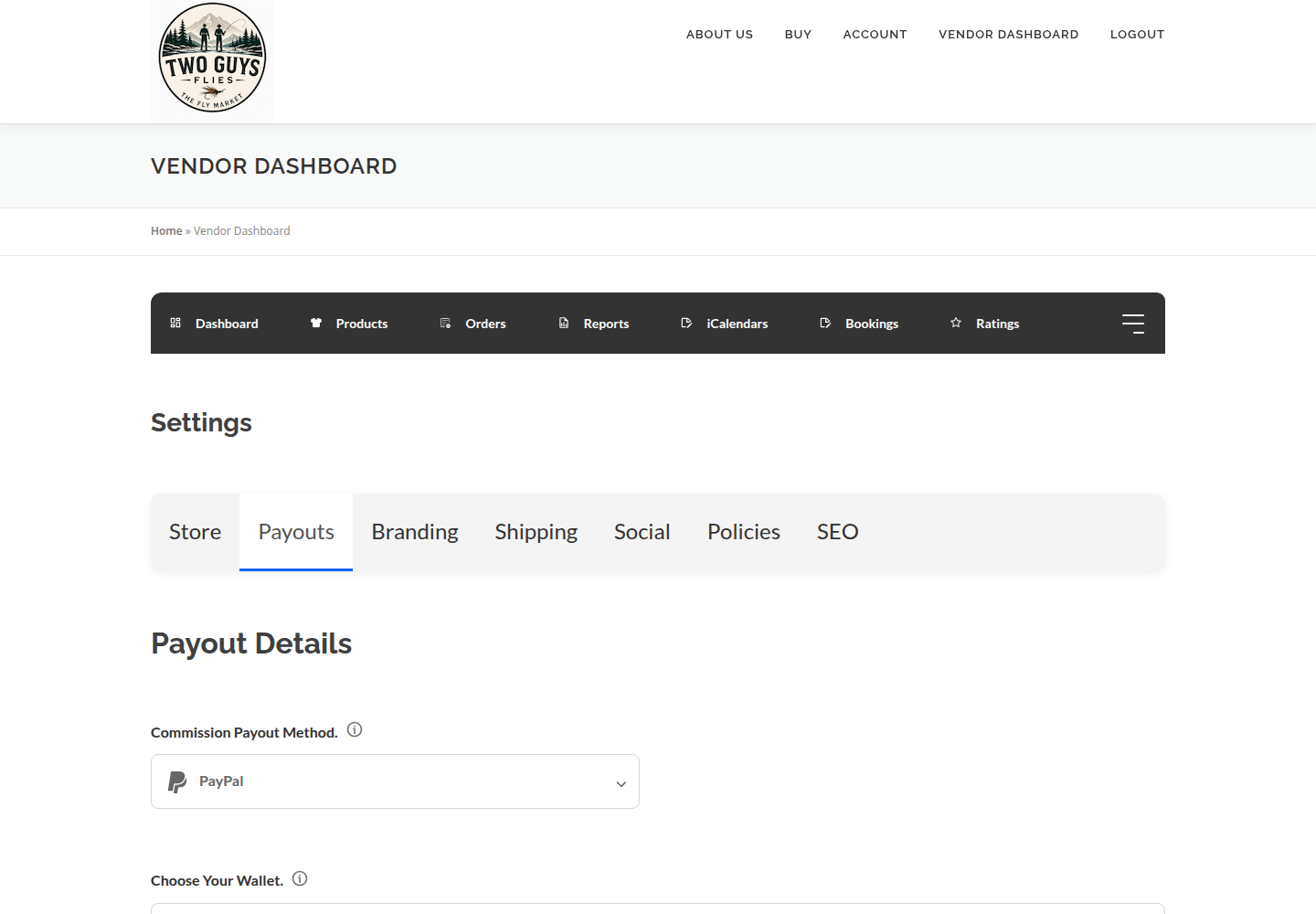
- Connect your payout account only in the secure provider screen. Never send banking details by message or put them in a description.
- Confirm the payout status shows as connected.
- Route a refund, dispute or cancellation through the marketplace policy rather than agreeing terms privately.
#Example: a dozen flies ordered on Monday
A small, typical order and what you do:
Monday evening an order arrives. Tuesday you tie the missing pattern and weigh the packed box. Wednesday you ship, add tracking and mark it fulfilled, inside the three days promised on the listing.
#Who is responsible for what
The marketplace (merchant) controls tax configuration and collection rules and the shipping and payment tools available. You supply accurate product data and fulfil orders.
Do not invent shipping charges in descriptions. Enabled rates do that.
#Sales are not payouts
A sale is not the same as funds paid out. Payout status can lag orders, and no commission or schedule is stated here because it can differ across vendor categories. Ask the marketplace for yours. The dashboard has Commission and Statements pages where available to your account.
#Availability
Every vendor can create Simple, Variable, Booking and Subscription products. Choose the product type in Add Product, not in storefront settings. Optional fields and tools may vary; if one described here is missing, ask the marketplace team for help.
#Troubleshooting
I cannot see an order.
You see only your own orders. Check you are signed in as the right vendor.
Shipping is too high or low.
Re-check weight, dimensions and shipping class.
Payout shows not connected.
Return to the secure provider screen and finish it, or call (828) 283-0363.
#Final checklist
Your ticks are saved in this browser only.
#Screenshots
#Next guides
- ShippingSet handling times, shipping details and accurate checkout rates.
- TaxesUnderstand checkout tax, vendor responsibilities and sales records.
- Returns & CancellationsHandle eligible returns, final-sale problems and booking cancellations.
- Terms of Use — VendorUnderstand the vendor rules and the agreements that govern your store.
- SubscriptionsRecurring boxes, deliveries and services, and why a video library is separate.